
People Also Ask: What It Is and How to Use It for SEO
If you've searched almost anything on a search engine recently, you've seen it: a box of expandable questions sitting in the middle of the results, quietly answering the exact thing you were about to ask next. That's People Also Ask, usually shortened to PAA, and it's one of the most underrated sources of keyword and content ideas in modern SEO.
This guide covers what PAA is, what it can actually be used for, and how to pull useful data out of it, whether you're doing it by hand or with a dedicated tool.
What Is People Also Ask?
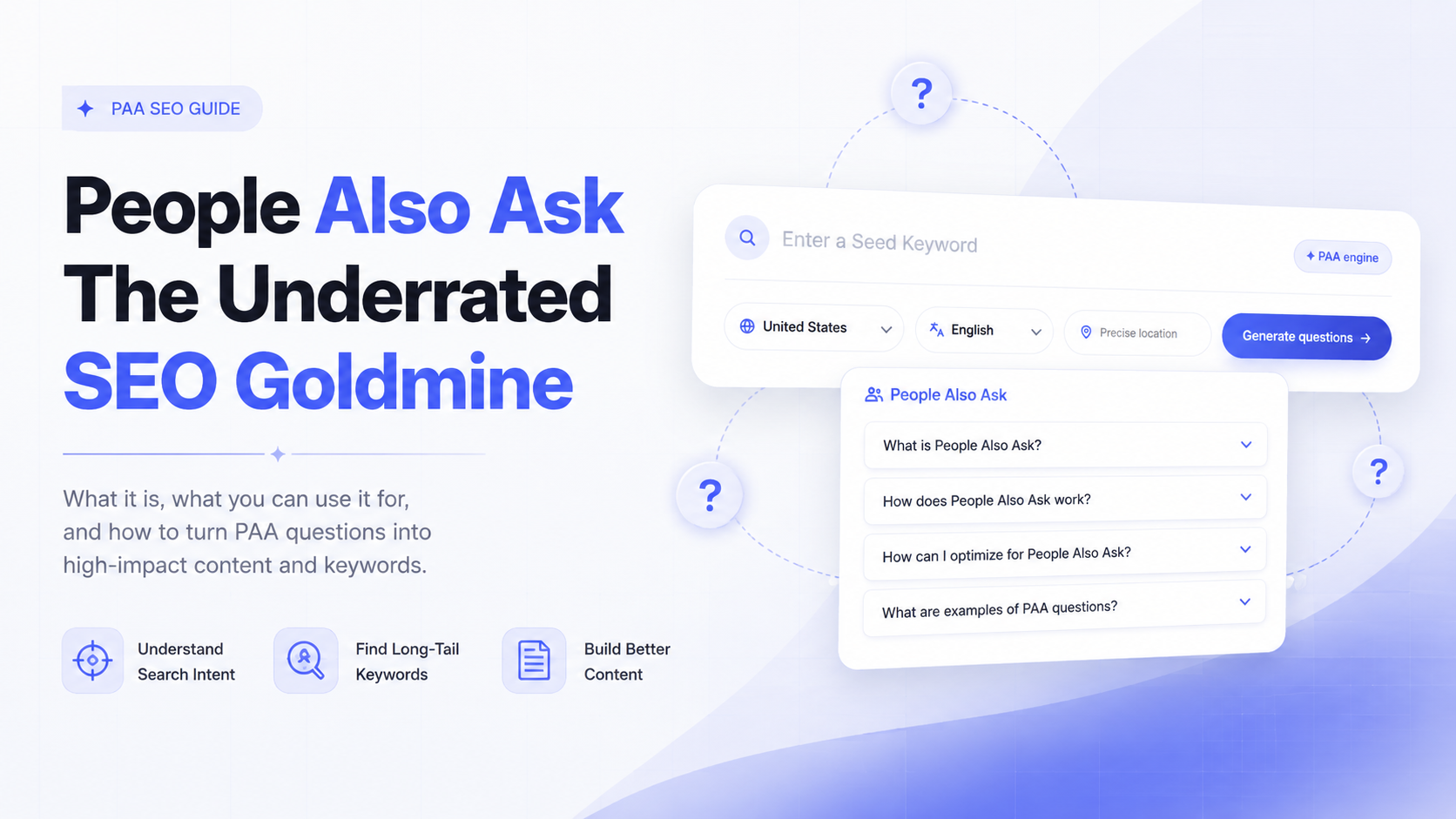
People Also Ask is a search feature that displays a set of related questions based on what a user searched for. Click a question and it expands to reveal a short answer pulled from a webpage, along with a link to the source. Click another question, and it typically loads a few more related ones underneath it, so the box keeps growing the deeper you go.
It usually appears a few results down the page, though it can also show up higher for informational queries. Not every search triggers it, but for question-based and research-style queries, it's extremely common.
What makes it valuable is simple: every question in that box is a real, aggregated representation of what people are actually curious about around a topic. It's seach engine's handing you their own list of related search intent, for free.
What You Can Actually Use PAA For
PAA isn't just something to glance at in the SERP. It's a practical input for several parts of an SEO or content workflow.
Understanding Search Intent
Keyword tools are great at volume and difficulty, but not always great at intent. PAA questions are phrased the way real users actually think and search: "how much does X cost," "is X worth it," "what's the difference between X and Y." That phrasing tells you exactly what someone wants to know before they even land on a page, which makes it much easier to plan content that actually satisfies the query instead of just targeting a keyword.
Uncovering Long-Tail Keywords
Short, high-volume head terms are competitive and often ambiguous. The question variations inside PAA are naturally long-tail, lower-competition, and highly specific, exactly the kind of phrases that are easier to build content around and often convert better because the searcher's intent is so clear.
Increasing Your Chances of Being Cited by AI
This is an increasingly important reason to pay attention to PAA. AI Overviews, ChatGPT, Perplexity, and similar tools are built to answer direct questions, and they favor content that already answers questions clearly and concisely. By systematically answering the real questions users are asking, the same ones showing up in PAA, you increase the odds your content gets pulled into an AI-generated answer or cited as a source.
Building a Content Outline From Real Questions
Instead of guessing what subtopics to cover in a blog post or guide, PAA gives you a ready-made outline. Each question is a candidate subheading; each answer snippet gives you a sense of the format a search engine expects, whether that's a sentence, a short list, or a table. This alone can save hours of content planning per article.
How to Find People Also Ask Questions
There are two ways to go about this: manually, or with a tool built for the job.
Manually on Google: Search your target keyword, scroll to the PAA box, and click through the questions. Each click loads a few more related questions, so you can keep expanding the box to pull out a surprisingly large list. The downside is that this is slow, one keyword at a time, and nothing is saved anywhere. You're copying questions into a spreadsheet by hand.
With a People Also Ask tool: A dedicated People Also Ask keyword research tool pulls the full question tree automatically, often visualizing it as an expandable map, and lets you export the list for content planning or keyword research in seconds. People Also Ask is built specifically for this: enter a seed keyword, and it retrieves the related question data so you can see the full scope of what people are asking without the manual clicking and copying.
How to Use a PAA Keyword Research Tool
Here's a practical workflow for turning PAA questions into a keyword and content plan:
- Start with a seed keyword. Pick a broad topic relevant to your niche, something with clear informational intent, like "email marketing" or "home espresso machines."
- Pull the full question set. Run the keyword through a keyword research tool built around PAA data to generate the full tree of related questions, rather than the handful search engines show before you start clicking.
- Group by sub-intent. Cluster the questions by theme: pricing questions, comparison questions, how-to questions, definition questions. Each cluster is often its own content opportunity, or a subsection within a larger guide.
- Cross-reference volume where available. Not every question needs its own page. Prioritize the ones frequent enough to matter but specific enough to be worth targeting.
- Map questions to content. Turn high-value clusters into dedicated articles, and use lower-priority individual questions as FAQ sections or subheadings within existing pages.
- Revisit periodically. Because the PAA box shifts over time, check back on your core topics every few months to catch new questions and retire ones that have disappeared.
Frequently Asked Questions
Is PAA the same as a featured snippet?
They're related but distinct. A featured snippet sits at the very top of the results for a single query. PAA is a separate, expandable box of multiple related questions, each with its own short answer and source.
How often do PAA questions change?
There's no fixed schedule. They can shift with trends, seasonality, and updates to Google's index, which is why periodic re-checks matter for ongoing keyword research.
What's the easiest way to research PAA questions at scale?
Manually clicking through the box works for a single keyword, but a dedicated People Also Ask keyword research tool speeds this up considerably when you're researching multiple seed terms or building out a content calendar.
Final Thoughts
People Also Ask isn't just a curiosity in the SERP. It's a direct line into what your audience is actually asking, in their own words, at scale. Used well, it sharpens your understanding of search intent, hands you long-tail keywords competitors overlook, and strengthens your odds of being cited in AI-generated answers.
If you want to skip the manual clicking and pull full question trees in seconds, try the tool built specifically around this workflow. It's a fast way to turn a single seed keyword into a full content and keyword plan.
Find What People Are Really Asking
Turn one seed keyword into a complete mindmap of People Also Ask questions — scoped by country, language and precise location.
Start Generating